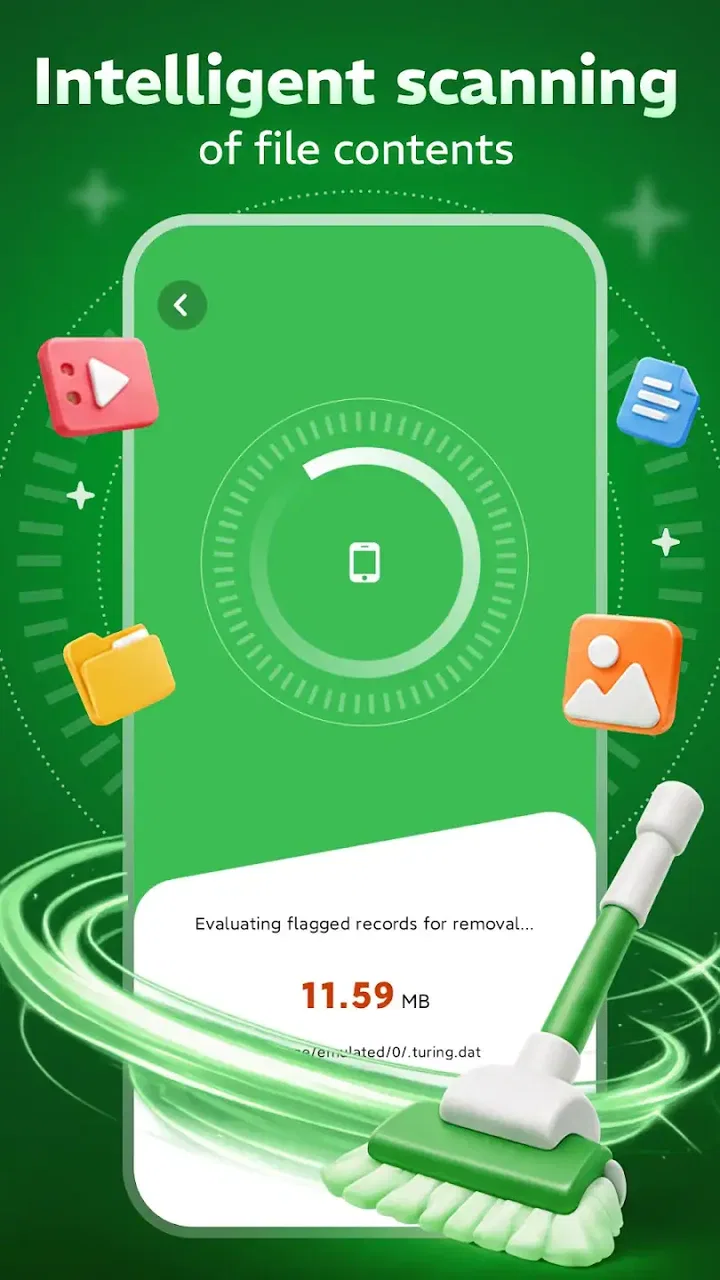
OxideSieve - DustClear
- 4.2
- Rating
- 10.00K
- Installs
- Free
- Price

 Analysis by App-foxy
OxideSieve - DustClear is the kind of tool I would approach with a very specific expectation: it may help bring order to a crowded phone, but it is not a magic button that turns storage management into a completely automatic process. After looking at its role as a storage refinement and filtration utility, my impression is that its value depends less on flashy extras and more on whether you want a focused way to examine what is taking up room. That narrow purpose can be useful, especially when a phone feels cluttered and the built-in storage screen is too basic, but it also means the app will not suit everyone.
Developed by SAVOY SL, this free Android app sits in the tools category and carries an Everyone age rating. It has reached over ten thousand installs and holds a 4.2 average from roughly forty-six ratings, with three written reviews visible. Those figures suggest a small but positive user base rather than a long-established household name. The app is currently at version 1.0.2 and works on Android 8.0 or later, so compatibility should cover many older devices as well as newer ones.
What makes the storage-focused approach useful
The strongest idea behind OxideSieve is its emphasis on refinement rather than simply showing a single storage total. Most Android phones already tell you how much space remains. The more difficult question is what deserves attention first. A useful filtration tool should help separate meaningful files from disposable clutter, and that is where I see the app’s practical appeal.
You May Also Like

 AccuWeather: Weather Radar
AccuWeather Review: A Quick, Clear Forecast for Everyday Decisions
For everyday plans, the best forecast is the one you can understand quickly. AccuWeather makes rain timing, radar, and local conditions easy to act on, with a few trade-offs.

 Hill Climb Racing
Why Hill Climb Racing Still Turns Crashes Into One More Run
A tiny car, a bumpy hill and one more upgrade: Hill Climb Racing keeps resurfacing because its simple chaos makes every near-miss feel personal.

 AliExpress - Shopping App
AliExpress Makes Global Shopping Feel Personal, but Shoppers Bear the Risk
AliExpress turns a global marketplace into a pocket-sized discovery engine. Its reach is useful, its shopping loop compelling, and its trade-offs easy to miss.

 Lords Mobile: Kingdom Wars
Lords Mobile Is a Kingdom-Building Routine, Not a Quick Match
A case-by-case verdict on the building, battles, device demands, and social commitments that make Lords Mobile rewarding for some players and exhausting for others.

 PDF Scanner app - TapScanner
TapScanner Makes Paperwork Easier to Capture, Check, and Share
TapScanner makes scanning with a phone feel less like a rescue operation and more like a dependable step in getting work done. Its capture tools are useful, though not flawless.

 Block Blast!
 Shows How Much a Puzzle Game Can Leave Out
A quiet grid game shows why puzzle players increasingly value instant clarity, repeatable skill and low-pressure play—and where the genre still needs to catch up.
More From Our News Desk
View All News


When storage is nearly full, people often make poor decisions under pressure. They remove photos they meant to keep, uninstall apps they still use, or delete downloads without checking whether they are needed. A focused review process is safer. I would start by treating the app as an inspection step: open it before deleting anything, identify the categories or items that appear to be consuming space, and then verify each candidate outside the app when the file matters. That habit is more important than any single cleanup action.
One useful everyday scenario is a phone used for commuting, messaging, and occasional travel. Over time, offline media, downloaded documents, duplicated images, and forgotten files can accumulate in different places. The built-in Android settings may show broad categories, but a dedicated utility can make the task feel more deliberate. I would use OxideSieve before a trip, not after the phone has already run out of room, because reviewing storage while there is still breathing space makes it easier to pause and reconsider.
Another sensible workflow is to use it after moving important photos or documents elsewhere. I would first confirm that the copies open correctly, then inspect the phone for remnants and only remove files that I can identify confidently. This two-stage approach avoids treating the app as a substitute for backup. The safest cleanup is always a review-and-confirm process, not an instant purge.
The app’s small scale may also work in its favor. A tool built around one job can be easier to understand than a large “phone booster” package filled with unrelated dashboards, memory claims, notifications, or promotional sections. I prefer utilities that let me concentrate on the actual storage problem. If OxideSieve keeps that focus in practice, it has a clearer purpose than many all-in-one cleaners.
There is also a useful distinction between freeing space and improving organization. Removing a large file can solve an immediate capacity problem, but it does not necessarily make future maintenance easier. I would use the app to identify patterns: whether my storage pressure comes from media, downloads, old installers, or repeated copies. Once that pattern is clear, I can change my habits, such as clearing downloads after finishing a project or transferring large recordings on a regular schedule.
How I would use it without risking important files
I would not begin by selecting everything the app presents as removable. My first pass would be observational. I would note which areas are largest, look for familiar filenames, and check whether a file belongs to an active conversation, work task, trip, or personal archive. This is especially important with images and documents, where a vague filename can hide something valuable.
For a more controlled cleanup, I would work in small batches. Reviewing one category at a time makes it easier to notice mistakes and measure whether the action actually helped. If a phone has only a little free space left, I would begin with files that are clearly replaceable, such as completed downloads, rather than personal media. After each batch, I would check the storage screen again instead of assuming that every deletion produced a meaningful gain.
A less obvious benefit of this method is that it exposes false priorities. A file may look old but occupy very little space, while a handful of videos may account for most of the pressure. Deleting dozens of tiny items can feel productive without changing the situation. I would use the app to find the largest practical opportunities first, then deal with minor clutter only if it is easy to verify.
I would also avoid using any cleanup utility immediately before an important deadline. If I needed room for a work recording or a family event, I would make space earlier and leave time to recover from an accidental deletion. This is not a criticism unique to OxideSieve; it is a sensible rule for every storage tool. Convenience should not replace a backup plan.
Where it compares well with ordinary Android tools
Android’s built-in storage controls are usually the first option I would try because they are already present, familiar, and closely integrated with the operating system. They are often enough for someone who only needs to uninstall a large app or inspect broad storage categories. OxideSieve makes more sense when that basic view does not provide the kind of filtering or refinement the user wants.
Compared with broad cleaner apps, a focused utility may be less distracting. Many alternatives combine storage analysis with battery claims, memory optimization, device temperature panels, or aggressive reminders. Those extras can make an app feel busy without helping me decide what is safe to remove. OxideSieve’s stated identity is narrower, which is a strength if the only problem is storage organization.
File managers remain better for people who want direct control over folders, renaming, moving, and manual sorting. A file manager can be more transparent because I can browse the actual directory structure, but it can also be less approachable when the phone contains years of scattered content. I see OxideSieve as a possible first-pass filter, while a file manager is the better follow-up for someone who wants to reorganize rather than merely identify clutter.
Cloud storage tools solve a different part of the problem. They can help preserve photos or documents elsewhere, but uploading a file does not automatically mean the local copy should be removed. I would never treat OxideSieve as a backup service, and I would not delete a local file simply because another copy appears to exist until I had checked that the backup was complete and accessible.
The main limitation: a focused tool still needs user judgement
My biggest reservation is that storage refinement can sound more automatic than it really is. No utility can reliably understand the personal meaning of every file. A large video may be disposable, or it may be the only copy of an important memory. A duplicated-looking document may be an updated version with a different purpose. The app can help narrow the search, but I would still expect to make the final decision.
That limitation matters for users hoping for a one-tap rescue. If your phone is full and you want an app to remove everything unnecessary without asking questions, this is not the approach I would recommend. The safest experience will involve reading labels, checking context, and accepting that careful cleanup takes time. People who dislike that process may be happier using Android’s own basic controls or manually transferring files to a computer.
There is also a trade-off between simplicity and depth. A narrow interface can be less overwhelming, but advanced users may want detailed folder navigation, sorting controls, or direct file operations. I would choose a full file manager when I need to understand exactly where content lives. I would choose OxideSieve when I want a more guided examination of storage and do not want a large collection of unrelated maintenance features.
Because the app is at version 1.0.2, I would keep expectations measured. That does not make it a poor choice, and the positive average rating is encouraging, but a relatively early version is a reason to test the workflow on non-critical clutter first. I would not make it the only tool involved in managing irreplaceable files. Starting with downloads or easily recovered items is the sensible way to learn how it behaves on a particular phone.
Who should install it, and who should skip it
I think OxideSieve is best suited to Android users who regularly run short of space and want a dedicated way to inspect storage before deleting anything. It could be especially useful for someone who finds the standard Android storage page too broad but does not want a complicated maintenance suite. The free price also lowers the barrier to trying it, provided the user is comfortable reviewing results carefully.
It may appeal to people who share devices with family members or use one phone for both personal and practical tasks. In those situations, storage grows in uneven ways: screenshots from conversations, documents from short-term projects, downloaded media, and camera files all compete for room. A focused review can help separate temporary material from content worth preserving.
I would be more cautious about recommending it to someone who already has a trusted file-management routine. If you regularly move photos to a computer, maintain clear folders, and monitor storage through Android settings, another utility may add little. Likewise, users who expect automatic backup, advanced synchronization, or a complete privacy and security suite should look elsewhere for those specific needs.
Before installing, I would check that the phone runs Android 8.0 or newer and that there is enough room to complete the installation. After opening it, I would begin with a low-risk category and avoid granting myself a false sense of security just because an item is presented in a cleanup context. The important question is not “Can this be removed?” but “Do I still need this, and do I have another reliable copy?”
My final take on OxideSieve - DustClear
My verdict is cautiously positive. OxideSieve has a clear reason to exist: it focuses on refining and filtering storage instead of trying to be an entire device-maintenance package. That makes it a reasonable free tool for people who need help finding clutter and prefer a more purposeful workflow than the default storage screen provides.
Its value is greatest when used as a decision aid. I would install it for a planned cleanup, inspect large or obviously temporary files, confirm anything important elsewhere, and remove content in small batches. I would not use it as an unattended delete button, a backup replacement, or a cure for disorganized digital habits.
With a 4.2 average and more than ten thousand installs, it has enough early adoption to make a trial feel reasonable, while its current version and focused scope suggest that users should remain involved in the process. For someone whose phone is crowded but who wants to stay in control, I can recommend giving it a careful try. For anyone seeking effortless automation or full file-management power, the usual Android tools or a more comprehensive file manager will probably be the better fit.
FAQs for OxideSieve - DustClear
01What is OxideSieve - DustClear, and what does it do?
OxideSieve - DustClear appears to be a utility focused on identifying and managing unwanted files, temporary data, or other clutter that may accumulate on a device. Before downloading, users should check the app’s current store description carefully, because its exact cleaning, scanning, or optimization features may vary by version and operating system. It should be viewed as a maintenance tool rather than a guaranteed way to dramatically improve performance.
02Is OxideSieve - DustClear safe to install and use?
As with any cleaning or optimization application, safety depends on where it is downloaded and which permissions it requests. Install OxideSieve - DustClear only from an official Google Play or Apple App Store listing, verify the developer name, and review recent user feedback. Pay particular attention to access involving storage, files, notifications, or personal information, and avoid granting permissions that do not appear necessary for the advertised functions.
03Can OxideSieve - DustClear delete important files by mistake?
Users should review scan results carefully before confirming any cleanup. Files marked as temporary, cached, duplicate, or unnecessary can occasionally include data that an app still needs, while removing downloads, photos, documents, or saved media may be irreversible. If OxideSieve - DustClear provides preview, selection, exclusion, or recovery options, use them before starting a cleanup and back up important content first.
04Is OxideSieve - DustClear free, or does it include subscriptions and in-app purchases?
The pricing model may depend on the platform and the version available in your region. Before installing, inspect the store page for advertisements, one-time purchases, premium tools, trial periods, or recurring subscriptions. If a free trial is offered, read the renewal terms carefully and cancel through your device’s subscription settings if you decide not to continue. Never assume that every advertised feature is included at no cost.
05Will OxideSieve - DustClear significantly improve my phone’s performance or storage?
A cleaning app may help recover a modest amount of space by removing genuine temporary files, but its effect on speed and battery life can be limited. Modern Android and iOS devices already manage memory and storage automatically, so frequent forced cleaning is not always beneficial. Use OxideSieve - DustClear as an occasional organizational aid, and rely on the device’s built-in storage tools for a clearer view of what is actually using space.
Pros
- Quickly identifies and removes many common junk files.
- Simple interface makes cleanup easy for less technical users.
- Can help free storage without requiring advanced permissions.
- Useful for occasional maintenance on older Android devices.
- Cleanup results are presented clearly before deletion.
Cons
- Scanning large storage areas may take noticeable time.
- Some detected files may require careful review before removal.
- Effectiveness depends on Android version and device storage access.
- Repeated scans can offer limited benefits after the first cleanup.
- May include ads or optional features depending on the app version.

OxideSieve - DustClear
Gallery